Big videos in. Small videos out. Automagically.
Video Squisher makes your video files dramatically smaller automatically, while keeping the quality you want. No complicated settings. No technical knowledge. No uploads.
Free to use · No account · Works offline · Videos never leave your computer
Just one simple slider.
Less space. The quality you want.
Everyone wants smaller videos — nobody wants worse ones. That’s exactly the problem Video Squisher was built to solve: you choose the quality you want, and it delivers it in the smallest possible file. If a version doesn’t hold up next to your original, it simply never gets saved. No surprises, no fuzzy memories of how your videos used to look.
Don’t take our word for it — see it with your own eyes ↓
See the difference. (You won't.)
937MB in -> 36.4MB out. Video looks the same!
A real unedited 4K phone video, squished. Click either frame to zoom in close.

Your browser can't play AV1 clips, so these are still frames from each one instead.
Real files, real sizes, straight out of the app. The panes play a 12-second clip from the full 2-minute video; the sizes shown are the full files.
Make most videos 40–90% smaller while looking visually the same.
Smaller in three steps. None of them technical.
You never touch a codec, a bitrate, or a quality setting. That’s the program’s job.
Drop in a video
Any video. Phone clips, drone footage, old archives, home movies — just drag it in.
Choose the quality you want
One simple slider, from Smallest to Original. “Near Original” is the default — pick it and move on with your day.
Get your space back
Video Squisher takes care of every technical decision for you and delivers the smallest file that still looks the way you asked.
That’s it. That’s the whole workflow. Video Squisher figures out the hard stuff for you.
How is that possible?
A smarter way to store video — handled for you.
Video Squisher re-saves your video in a modern format that stores the same picture in a fraction of the space. To make sure nothing gets lost along the way, the new file is visually compared against your original and only versions that hold up make the cut. You never see a codec, a bitrate, or a single setting.
Looks-great mode (Quality mode)
Pick the quality you are happy with on the slider. Everything else is taken care of, scene by scene.
Make-it-fit mode (Target size mode)
Need a video under 25 MB for email or chat? Just type the size. Video Squisher does the math.
Running out of room is the worst.
Videos are the biggest thing on most computers — and they pile up quietly for years.
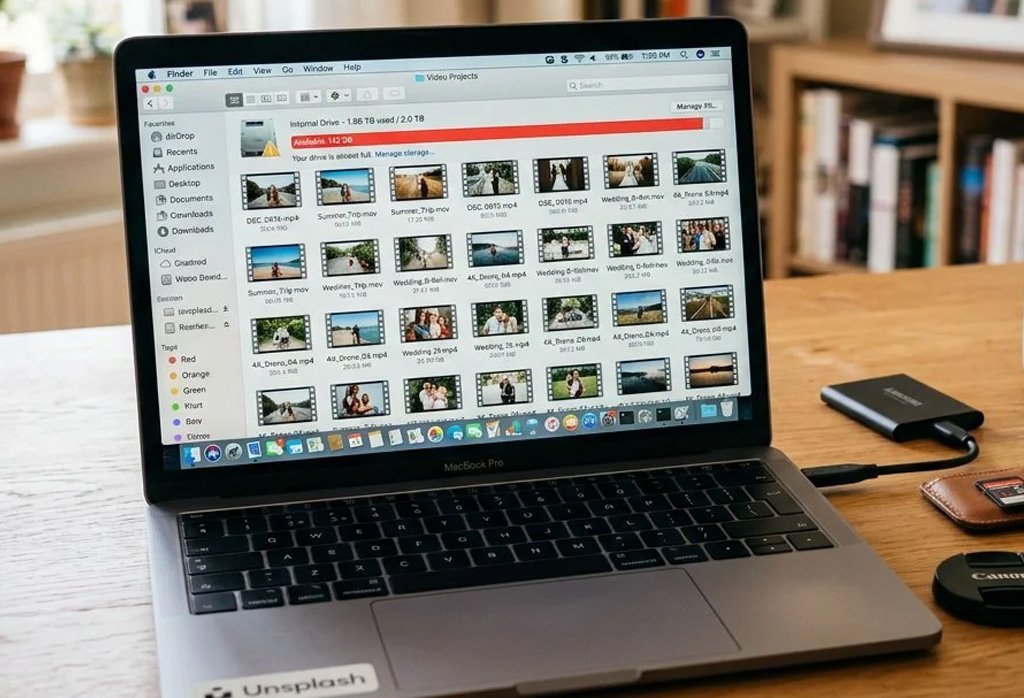
Your drive keeps filling up
Keep every video and still take the space back — no deleting, no compromises.
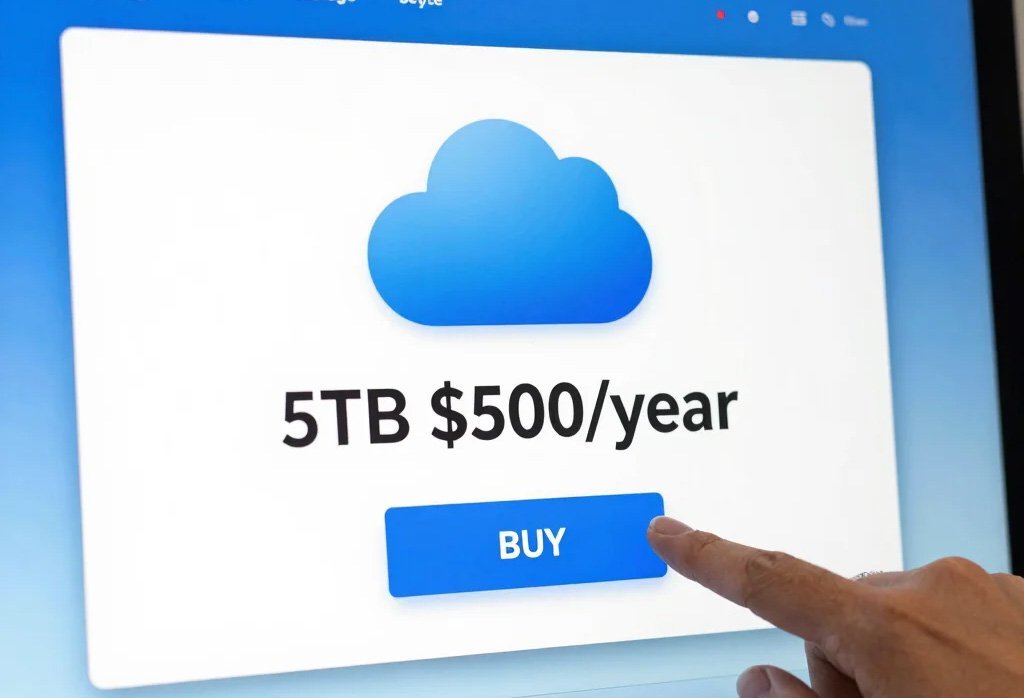
Cloud bills keep growing
Smaller files mean more room in the storage you already pay for.
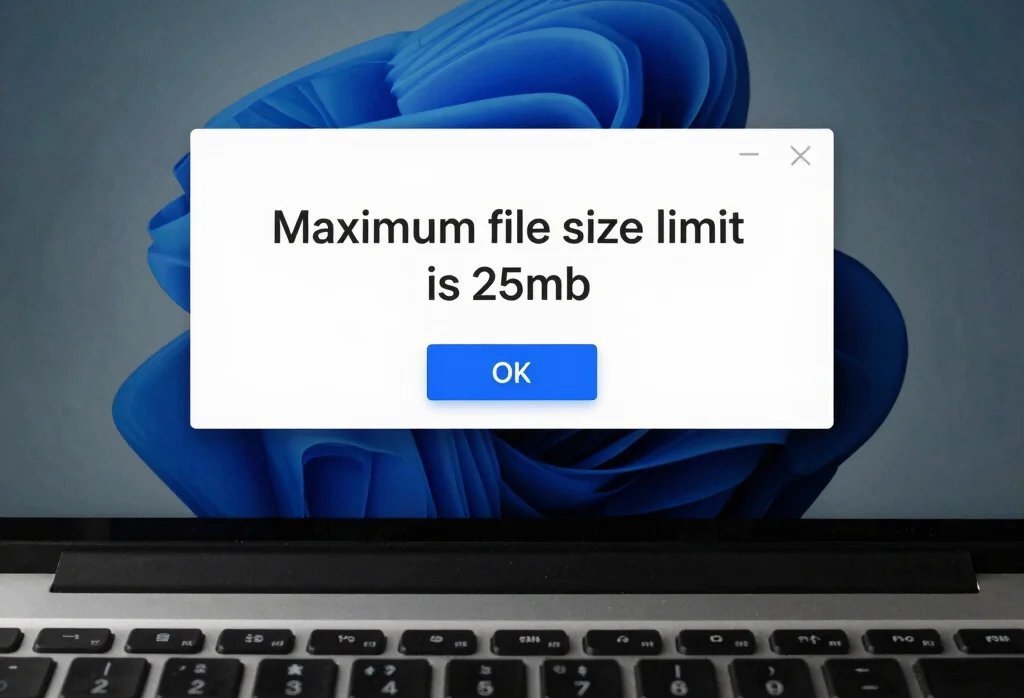
Some videos just won't send
Email and chat apps have size limits. Squished videos sail under them.
Start free. Go Pro when you're ready.
The whole quality engine is free — Pro removes the limits. One-time launch price, then it’s yours forever.
- 5 videos every day
- Up to 4K resolution
- One at a time — the full quality engine
- Private — videos never leave your computer
- Unlimited videos per day
- Up to 8K resolution
- Batch + watch folder — fully automatic
- Direct email support (you get Karl)
Videos never leave your computer, free or Pro.
Made by someone with the same problems.
Hi, I’m Karl. I’m a software developer and video creator, and my drives kept filling up with videos I wanted to keep.
The available tools either expected me to understand a wall of technical settings, uploaded my files somewhere else, or tried to do a hundred things I didn’t need. I wanted one friendly app that could make my videos smaller without making me guess.
So I built Video Squisher. It started as a tool for my own files. Now I’m sharing it with anyone else who wants their storage space back.
Video Squisher is new, independent software. If something feels confusing—or one of your videos does not behave as expected—I want to hear about it.
— Karl, creator of KitKarl
Got questions?
Video Squisher re-saves your videos using a newer, smarter compression format (AV1 or HEVC). Newer formats are much better at packing the same picture into less space — that’s how your videos get smaller without looking worse. Before squishing, it briefly analyzes your video to figure out the best settings for that specific content — so some videos (like calm, everyday footage) compress a lot more than others (like fast action or noisy, detailed scenes).
At the recommended setting, Q4, videos look pretty much just like before, no very obvious differences.
At it’s core, Video Squisher does a deep analyzation of your video to determine the best way to squish that particular file. No automatic one-size-fits-all compression that destroys quality on poor quality files and give huge sizes on more complex files. The program takes time to intelligently figure out the optimal settings for maximum quality at the smallest size based on the visual characteristics of each file individually. The tradeoff is MUCH smaller files at MUCH higher quality.
Your original video stays safe and untouched unless you choose to replace it yourself.
Yes, it runs no matter your computer’s own power, even on older laptops.
Your videos never leave your computer—no uploads, no waiting, and no one else sees them.
The app keeps a running total of space saved so you can see your progress clearly.
You can pretty much throw any type of video file at Video Squisher, like mp4, mov, mpg and it should work. The only exceptions are “RAW” formats like Prores/Blackmagic/Redcode RAW.
One problem is old or poor quality files having poor quality but a huge file size. Video Squisher detects these and uses special methods to compress the video as much as possible without degrading the already poor quality in a noticeable way.
Video Squisher will always do it’s best effort to save as much of a bad file as possible, but Video Squisher is not a video recovery tool.
Your videos, minus the bulk.
Download it free and start saving space today — no account, nothing to learn.
Windows · macOS · Linux · Free tier forever
Guides: one job, one page. The full list of everything above.