大视频进去。 小视频出来。 自动搞定。
视频压压乐自动把你的视频文件大幅缩小,同时保留你想要的画质。没有复杂设置,不需要技术知识,也不上传。
免费使用 · 无需账号 · 离线可用 · 视频永不离开你的电脑
更省空间。你要的画质。
每个人都想要更小的视频——但没人想要更差的。这正是视频压压乐要解决的问题:你选好想要的画质,它交付尽可能小的文件。如果某个版本经不起和原片对比,它根本不会被保存。没有意外,也不会让你的回忆变糊。
不用听我们说——自己亲眼看看 ↓
看看差别。(你看不出来。)
937MB 进 -> 36.4MB 出。视频看起来一样!
一段真实未剪辑的 4K 手机视频,压缩后的效果。点击任一画面即可放大细看。

你的浏览器无法播放 AV1 视频,已改用每个画质对应的静帧画面。
真实文件、真实大小,直接出自应用。两个画面播放的是完整 2 分钟视频中的 12 秒片段;显示的大小为完整文件的大小。
大多数视频可以缩小 40–90%,画面看起来没有变化。
三步变小。没有一步需要技术。
你不需要碰编码器、码率或任何画质设置——那是程序的工作。
把视频拖进来
任何视频。手机片段、无人机素材、老归档、家庭录像——拖进来就行。
选好你要的画质
一根简单的滑块,从最小到与原片一致。默认就是“接近原样”——选它,然后该干嘛干嘛。
拿回你的空间
视频压压乐替你搞定所有技术决定,交付仍然符合你要求的、尽可能小的文件。
就这么简单,这就是全部流程。难的部分视频压压乐替你想好了。
这是怎么做到的?
一种更聪明的视频存储方式——全部替你搞定。
视频压压乐用现代格式重新保存你的视频,同样的画面只占零头空间。为了确保途中不丢东西,新文件会和你的原片做视觉对比,只有经得起的版本才会被保存。你全程看不到编码器、码率或任何设置。
好看模式(画质优先)
在滑块上选一个你满意的画质。其余的全部替你办好,逐场景处理。
装得下模式(目标大小)
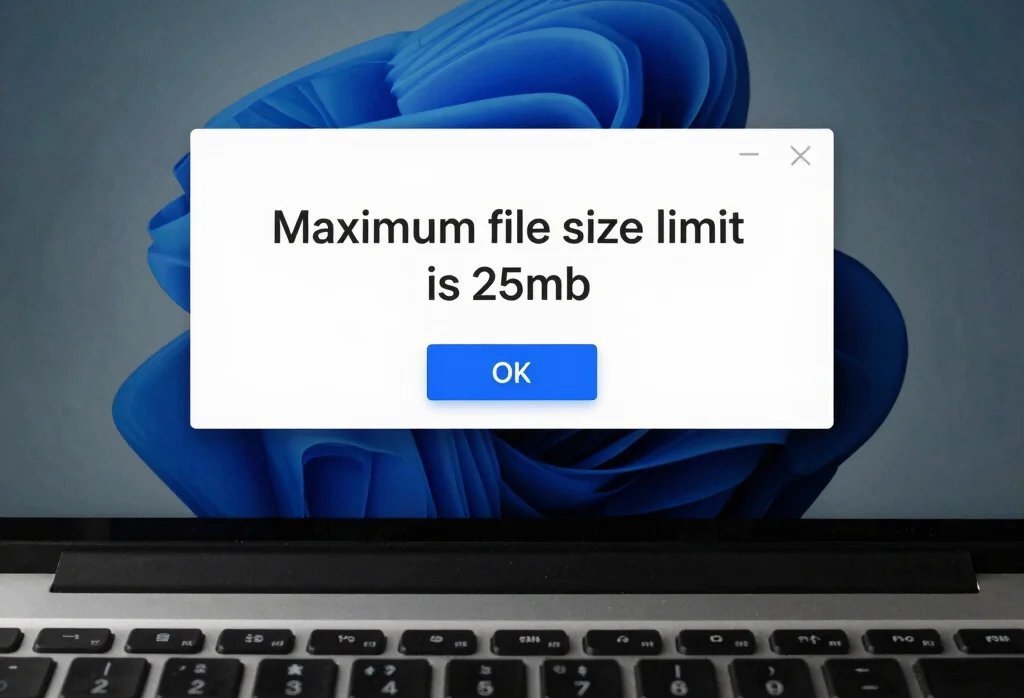
邮件或聊天要求视频小于 25 MB?输入大小就行,视频压压乐来算。
空间不够用,最难受了。
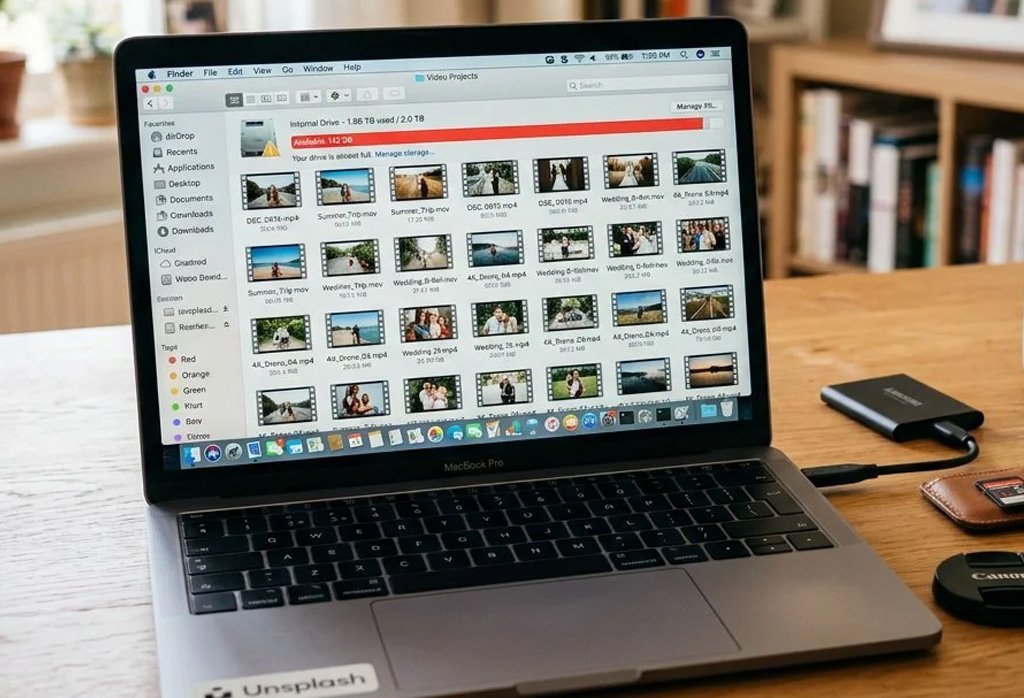
视频是大多数电脑上最大的文件——而且年复一年悄悄堆积。
你的硬盘一直在变满
保留每一个视频,同时拿回空间——不用删,不用妥协。
云存储账单越滚越大
文件更小,你已经在付费的存储就装得下更多。
有些视频就是发不出去
邮件和聊天软件都有大小限制。压过的视频轻松过关。
免费用起步。想好了再上 Pro。
The whole quality engine is free — Pro removes the limits. One-time launch price, then it’s yours forever.
- 5 videos every day
- Up to 4K resolution
- One at a time — the full quality engine
- Private — videos never leave your computer
- 每天无限个视频
- Up to 8K resolution
- Batch + watch folder — fully automatic
- 邮件直连支持(回信的是凯洱本人)
视频永不离开你的电脑,免费版和 Pro 都一样。
一个有同样烦恼的人做的。
你好,我是 Karl。我是一名软件开发者和视频创作者,我的硬盘总是被想保留的视频塞满。
现有的工具要么让我先看懂一整墙的技术设置,要么把我的文件传到别处,要么塞满了我根本用不上的功能。我想要一个友好的应用,能把视频变小,还不用我猜来猜去。
于是我做了视频压压乐。它最初只是为我自己的文件写的工具,现在分享给所有想拿回存储空间的用户。
视频压压乐是新生的独立软件。如果有什么让你困惑——或者某个视频表现不如预期——我想听你说说。
—— Karl,KitKarl 的作者
有问题?
Video Squisher re-saves your videos using a newer, smarter compression format (AV1 or HEVC). Newer formats are much better at packing the same picture into less space — that’s how your videos get smaller without looking worse. Before squishing, it briefly analyzes your video to figure out the best settings for that specific content — so some videos (like calm, everyday footage) compress a lot more than others (like fast action or noisy, detailed scenes).
At the recommended setting, Q4, videos look pretty much just like before, no very obvious differences.
At it’s core, Video Squisher does a deep analyzation of your video to determine the best way to squish that particular file. No automatic one-size-fits-all compression that destroys quality on poor quality files and give huge sizes on more complex files. The program takes time to intelligently figure out the optimal settings for maximum quality at the smallest size based on the visual characteristics of each file individually. The tradeoff is MUCH smaller files at MUCH higher quality.
Your original video stays safe and untouched unless you choose to replace it yourself.
Yes, it runs no matter your computer’s own power, even on older laptops.
Your videos never leave your computer—no uploads, no waiting, and no one else sees them.
The app keeps a running total of space saved so you can see your progress clearly.
You can pretty much throw any type of video file at Video Squisher, like mp4, mov, mpg and it should work. The only exceptions are “RAW” formats like Prores/Blackmagic/Redcode RAW.
One problem is old or poor quality files having poor quality but a huge file size. Video Squisher detects these and uses special methods to compress the video as much as possible without degrading the already poor quality in a noticeable way.
Video Squisher will always do it’s best effort to save as much of a bad file as possible, but Video Squisher is not a video recovery tool.
Guides: one job, one page. The full list of everything above.